XtraCRM

CRM and ERP.
Your business, connected.

Your customers, sales, finances and team. Connect the work you track separately with XtraCRM.

Free plan available. No credit card required.

XtraCRM
XtraCRM — XtraCRM
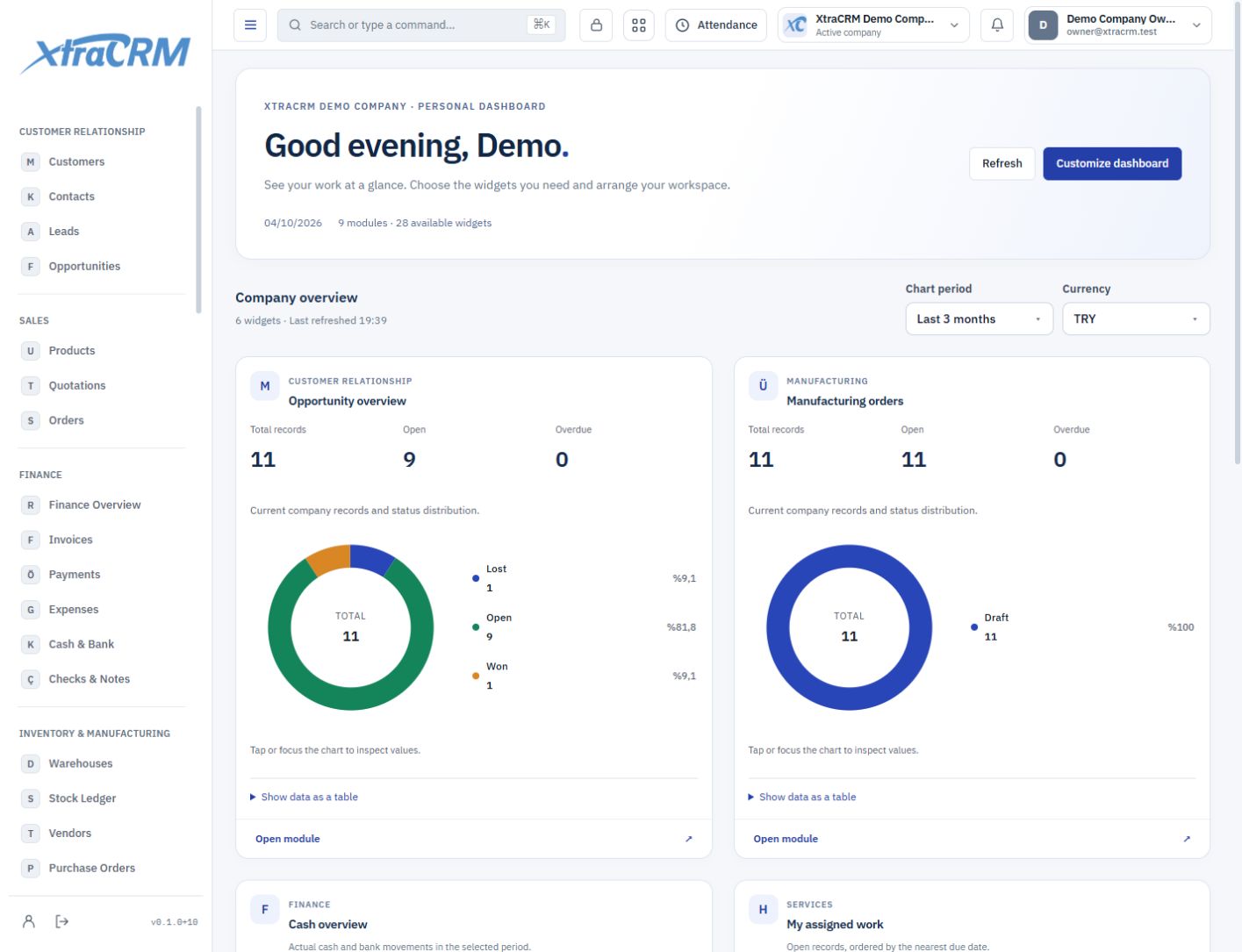
Real product screen · illustrative demo data
HOW IT WORKS

The next step starts where you left off.

How does your team’s work move forward? Choose a workflow to see how each record connects to the next step.

Connect every step of a sale to the same customer.

  1. 01

    Lead

    Record contact details and the first conversation.

    Explore solution
  2. 02

    Opportunity

    Assign an owner and track the sales stage.

    Explore solution
  3. 03

    Quote and order

    Connect products, prices and line items to sales documents.

    Explore solution
  4. 04

    Invoice

    Track the customer’s invoice and its due date.

    Explore solution
  5. 05

    Payment

    See partial payments and the outstanding balance.

    Explore solution

The result: Sales and finance work with the same customer, documents and activity history.

Track production, materials and quality around the same order.

  1. 01

    Bill of materials

    Define product components and operations.

    Explore solution
  2. 02

    Production order

    Set the quantity, recipe and warehouses.

    Explore solution
  3. 03

    Operation

    Track work orders and material consumption.

    Explore solution
  4. 04

    Quality

    Review production reports and required checks.

    Explore solution
  5. 05

    Stock

    See released output in the destination warehouse.

    Explore solution

The result: Consumed materials and released products are traceable to their production records and warehouse movements.

Break down the work and see ownership and time spent.

  1. 01

    Project

    Connect the customer and the project owner.

    Explore solution
  2. 02

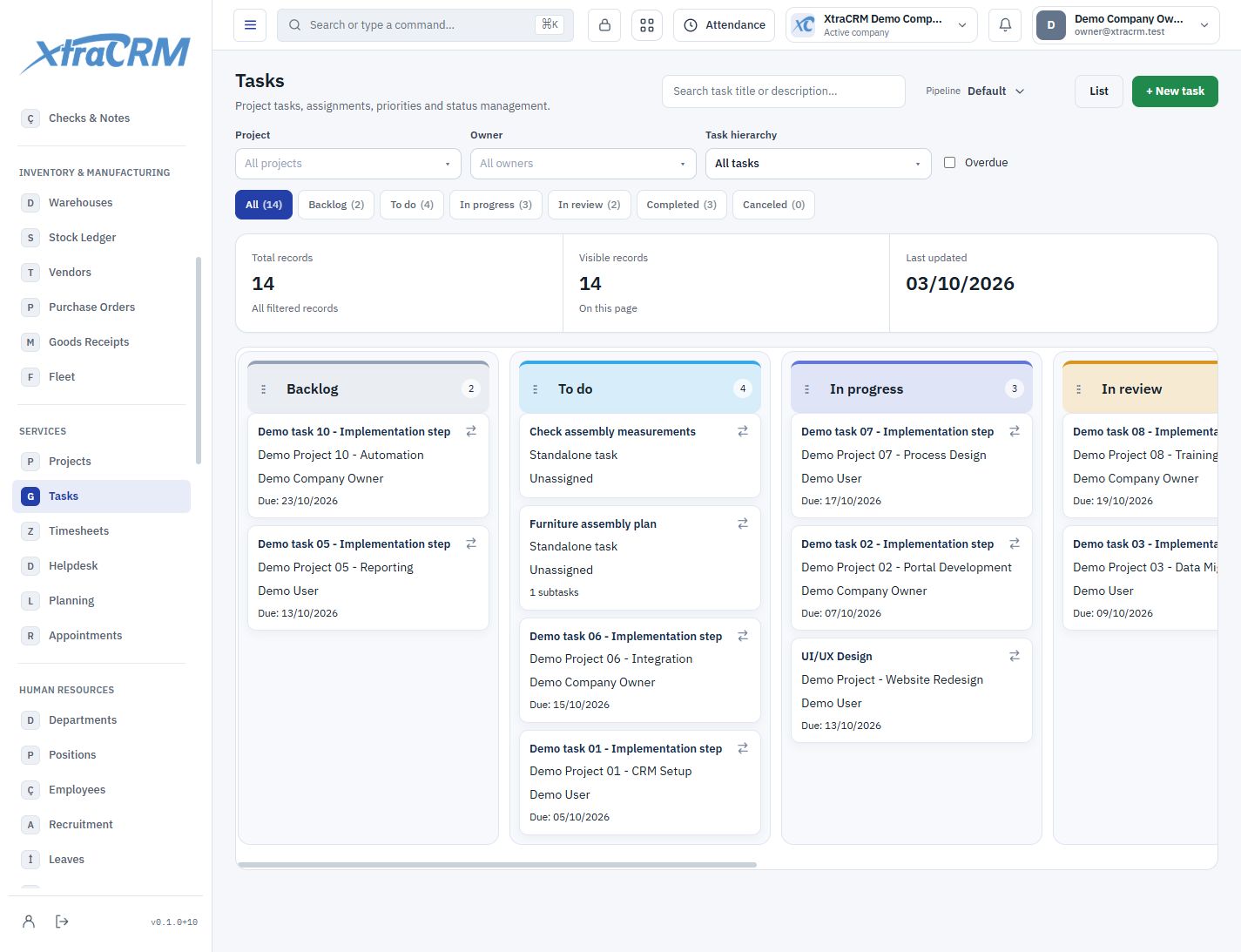
    Task

    Set parent tasks, subtasks and due dates.

    Explore solution
  3. 03

    Working time

    Record hours and minutes against each task.

    Explore solution
  4. 04

    Approval

    Review and approve submitted time entries.

    Explore solution
  5. 05

    Invoice draft

    Transfer eligible approved time to an invoice.

    Explore solution

The result: Customers, projects, tasks and working time stay connected in the same work history.

INSIDE XTRACRM

See the work. Know the next step.

A closer look at the tools your sales, finance and production teams can use every day.

Customer relationship

Manage every customer relationship in one place.

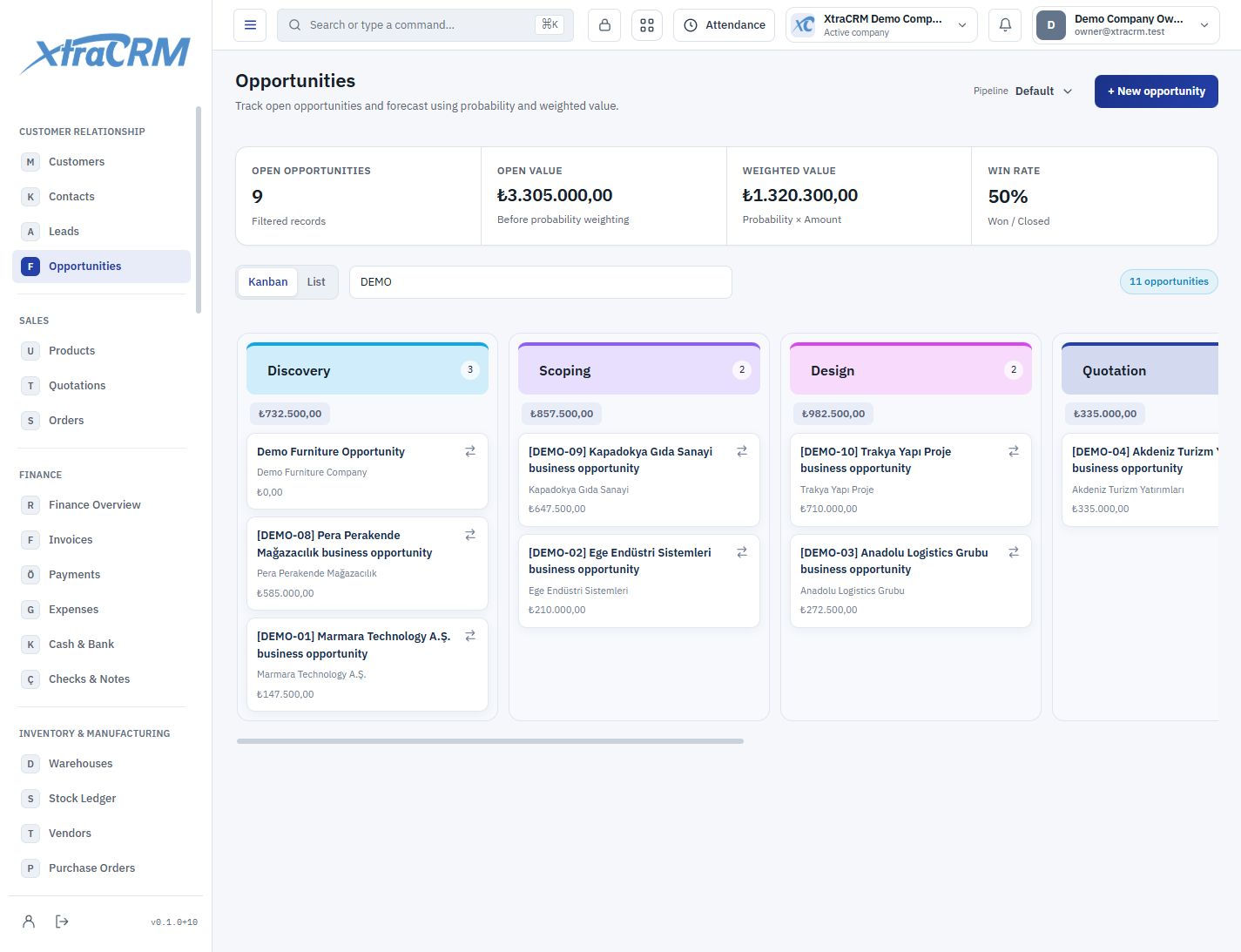
Prepare for a sales conversation without hunting for the last note, contact or quotation. See the customer relationship with its people, owner and connected records.

  • The complete customer story
  • A visible sales pipeline
  • Structured data and ownership
Explore this solution
Customer relationship
Opportunity Kanban with stages and deal values
Opportunity Kanban with stages and deal values Demo data
Finance

A clear view of cash, receivables and payments.

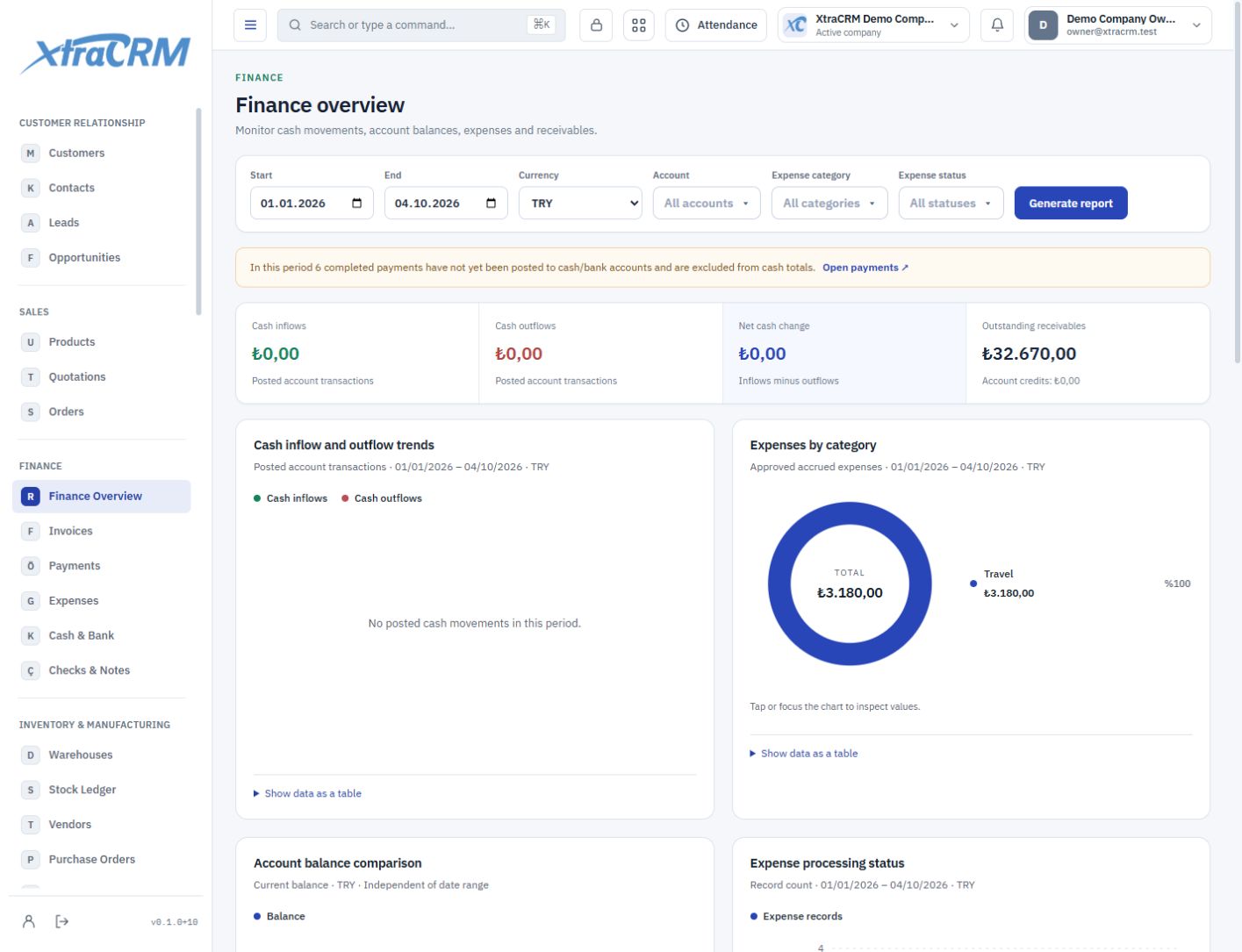
Sales value, collected payments and available cash are different things. Review invoices, payment movements and accounts together for a clearer view of your daily finances.

  • Visible receivables and due dates
  • Traceable account movements
  • Meaningful charts alongside figures
Explore this solution
Finance
Finance overview with currency-specific charts
Finance overview with currency-specific charts Demo data
Manufacturing

Traceable manufacturing, from BOM to quality.

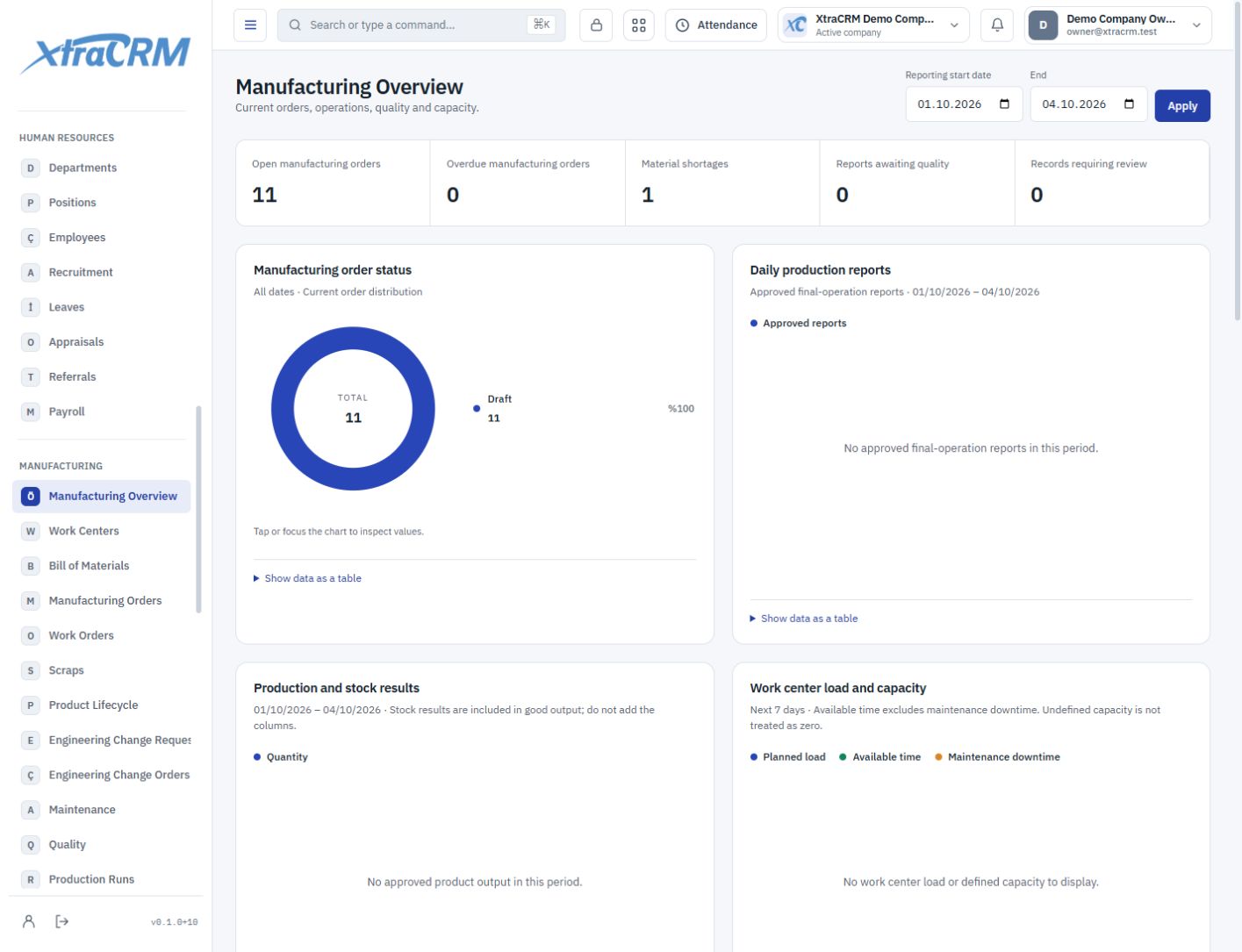
Assess production beyond planned quantities. Follow its progress through bills of materials, operations, consumption, actual output and quality records.

  • From BOM to work order
  • Record actual production separately
  • Quality, maintenance and revisions
Explore this solution
Manufacturing
Manufacturing overview with order and quality status
Manufacturing overview with order and quality status Demo data
YOUR PLATFORM, YOUR CHOICE

Start with tools that fit your business.

Choose a plan with the tools you need. Bring more teams together as your business grows.

Team Collaboration

Tasks, projects, flows, Scrum and performance in one workspace. Set ownership, break work into steps and keep deliveries on track.

Customer relationship

Track customers, contacts, leads and opportunities with communication details, ownership and activity history.

Sales

Manage products, prices, quotation lines and sales orders in a connected record chain.

Finance

Track invoices, collections, expenses, cash and bank accounts, and instruments with transaction history.

Inventory & manufacturing

Connect warehouses, stock movements, suppliers, purchase orders, receipts and fleet records.

Professional Services

Connect client projects, work time, appointments and billing for consulting, legal and specialist services.

Human resources

Manage departments, positions, employees, recruitment, leave, appraisals and operational payroll.

Manufacturing

Connect bills of materials, production and work orders, confirmations, consumption, quality and maintenance.

Marketing

Manage campaigns, surveys, events and marketing records alongside audiences and customer relationships.

Productivity

Bring together company files, approvals, knowledge articles, discussions and the AI assistant.

XtraCRM AI

Chat with XtraCRM AI and let AI help with a range of analyses. Keep working while it prepares, then reopen the result whenever you need it.

WhatsApp

Connect your WhatsApp Business accounts to XtraCRM. Authorized colleagues reply in a shared company inbox and match conversations to customer or contact records.

XtraCRM AI

See the numbers. Understand what they mean.

01

XtraCRM AI

Chat with XtraCRM AI and let AI help with a range of analyses. Keep working while it prepares, then reopen the result whenever you need it.

Explore →
02

Connect the AI account you already use.

Add connection details for your OpenAI / ChatGPT, Anthropic / Claude, Google Gemini or OpenRouter account. Or get started with XtraCRM AI.

OpenAI / ChatGPTAnthropic / ClaudeGoogle GeminiOpenRouter

XtraCRM AI uses credits purchased separately. When you connect your own AI account, your provider bills its usage. Module access depends on your plan and user permissions.

See who is doing what and where work stands.

Follow workload and progress with task, project and Scrum overviews. Customize your dashboard with team charts and lists.

Explore →

Prepare the report. Share it. Know when it is downloaded.

Choose a customer or contact and a date range. View transactions with a running balance. Save the PDF to Company Drive, share it or send it by email. Choose your download notifications.

Explore →
START AT YOUR OWN PACE

Start free. Make room for your team.

Compare our first three plans here, or explore every plan and its full module coverage.

Choose the plan that fits your business and grow with your team.

Compare all plans and modules

More users, storage or modules? Explore the plans that fit your next stage.

MAKE ROOM FOR YOUR BUSINESS

A more organized workday
starts here.

Create your company. Start with the free plan and find your way of working.

Create your free company